
Free
No account, no expiry date.
Read, scan, share, highlight, sign, reorder pages, merge, compress, convert to PDF and repair.
Merge, compress, sign, convert and scan with iPhone or iPad. The basics are free on iPhone, iPad and Mac.
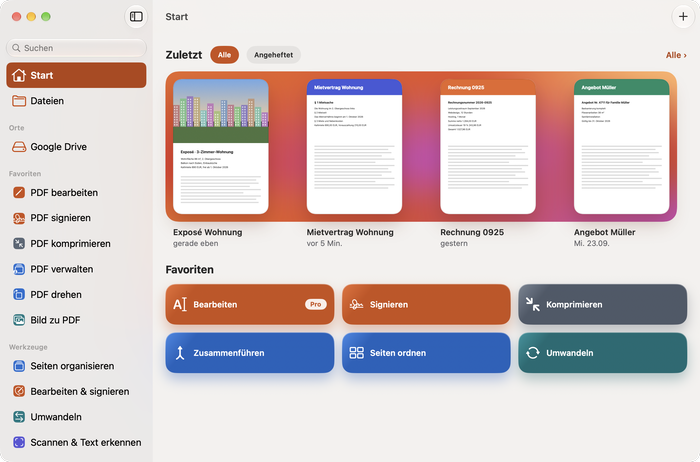
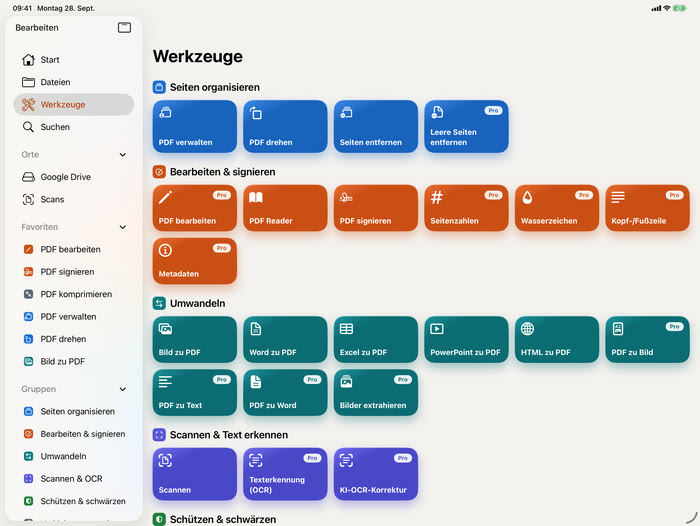
A start window with a sidebar for Recents, Favorites, locations such as Google Drive and every tool group.
A sidebar in the colors of the tool groups, with every tool as a large tile.
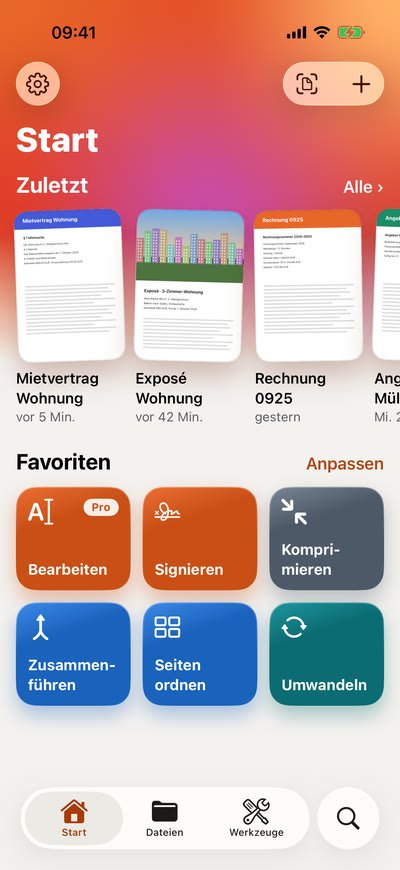
Start shows your recent PDFs and favorites, and scanning goes straight to the camera.
Requires iOS 26.1, iPadOS 26.1 or macOS 26.1. One purchase covers every device with the same Apple ID. The app is in German.
The document camera on iPhone and iPad finds the edges of the sheet. Several pages become one PDF.
Document, ID card or whiteboardLease, invoice and quote become one file. You decide the order of the pages.
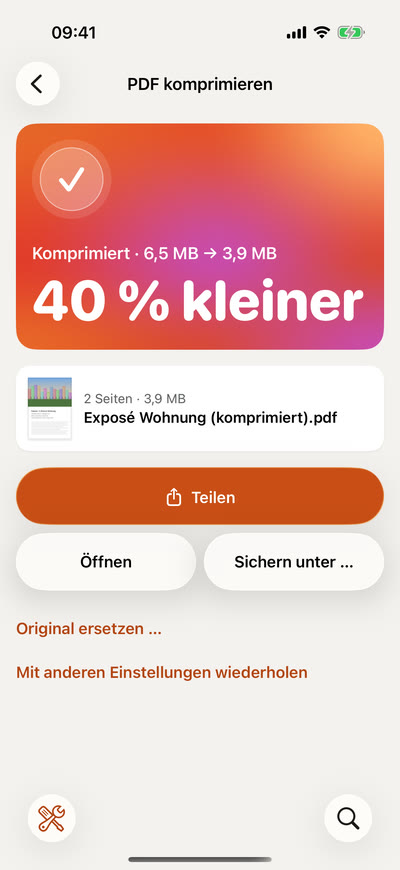
Free, even with many filesThree levels from Low to High. Text and links stay intact, only the images are recalculated.
Exposé Wohnung: 6.5 MB → 3.9 MBSorted as in the app. On the Mac there are 33: Scan, Excel to PDF and PowerPoint to PDF are only on iPhone and iPad.
Merge, reorder, rotate and remove pages.
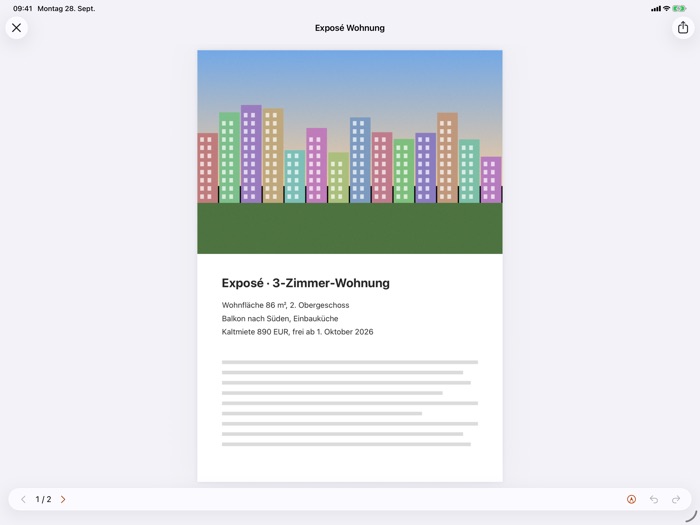
Read, highlight, sign, add page numbers and watermarks.
Images, Office files and web pages become PDF. PDF becomes images, text and Word.
Capture documents, ID cards and whiteboards with the camera and make the text searchable.
Set a password, redact confidential passages, flatten annotations into the page.
Make files smaller, repair damaged PDFs, compare two versions, overlay pages.
Ask questions, summarize, extract data and translate into German, English, French, Spanish or Italian.
Most tools don’t need the internet. Here is exactly which ones do.

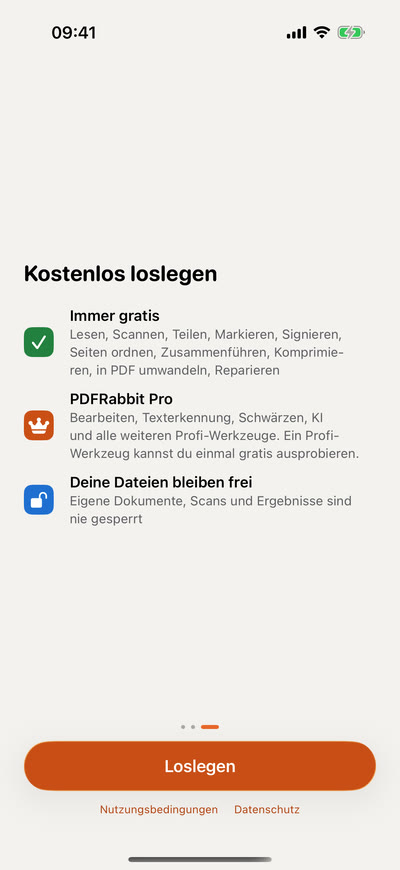
No account needed, no tracking, no analytics in the app.
No account, no expiry date.
Read, scan, share, highlight, sign, reorder pages, merge, compress, convert to PDF and repair.
Every pro tool, such as text recognition, redaction and AI, plus many files at once.
You can try one pro tool once for free.
Your files stay yours: your own documents, scans and results are never locked, even without Pro. Prices include VAT; purchase and cancellation through the App Store.
Free on the App Store for iPhone, iPad and Mac. The app is in German.
Soon on the App Store